The Ecosystem Connected







Break down data silos
Your files don't live in just one place. By securely authenticating and connecting to APIs across Workspace, Slack, and internal drives, Kumari orchestrates tasks across boundaries.
Supported Platforms
Docs, Drive, Gmail
Read write access directly into your Google tenant.
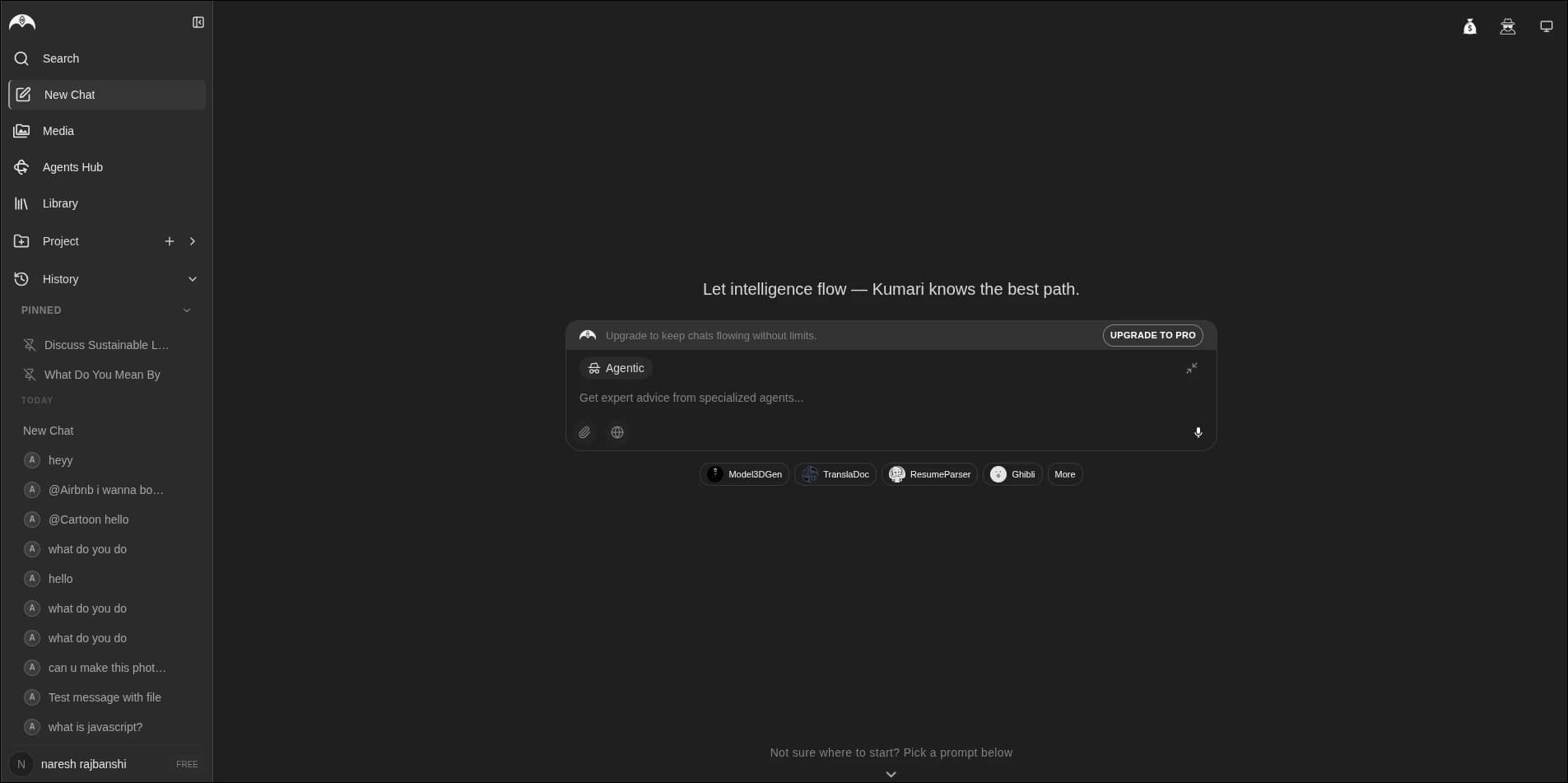
Daily tools
Google Drive
Search, summarize, cite Docs.
Gmail
Draft, summarize, categorize inbox.
Slack
Trigger research tasks in chat.
Google Photos
Vision agent querying.
What integrations enable
How to connect your data
Navigate to Data Sources
Open your personal dashboard.
Authenticate Securely
Secure redirect to standard OAuth.
Configure Agent Access
Specify which folders to read.
Start Prompting
Just tell the AI 'Find that slide deck'.
Navigate to Data Sources
Open your personal dashboard.
Authenticate Securely
Secure redirect to standard OAuth.
Configure Agent Access
Specify which folders to read.
Start Prompting
Just tell the AI 'Find that slide deck'.
Automation use cases
Sales Triage
Reads Gmail, pulls lead data into Hubspot.
HR Onboarding
Bot answers new hires in Slack via Drive employee manual.
The Kumari Difference
| Parameters | Manual | Standard AI | Kumari |
|---|---|---|---|
| Data indexing | Manual upload | One-time API pull | Live continuous syncing |
| Action taking | N/A | Read-only | Read and Write access |
Support
Deep Integrations — FAQ
Explore
More features
Web Search
Follow the trail. Real-time answers with full transparency.
Deep Search
Comprehensive research with flawless attribution.
Image Generation
Harness the power of distinct image models in one platform.
Video Generation
From prompt to motion. Powered by the best video LLMs.
Mobile App
The full power of Kumari, anywhere you go.
Multi-Agent Orchestration
Many minds working as one.
Context Memory
Your AI companion never forgets.